Xtream Codes
Sign in with the server URL, username, and password supplied by your provider.
Xtream setup guide SuperPlayer
On Android, iPhone, iPad, Apple TV, and Mac
Your provider. Your playlist. Your screen. Bring your own authorized media sources to SuperPlayer on Apple or Android.
App Store: iPhone, iPad, Apple TV & Mac. Google Play: Android. No channels or provider subscriptions included.
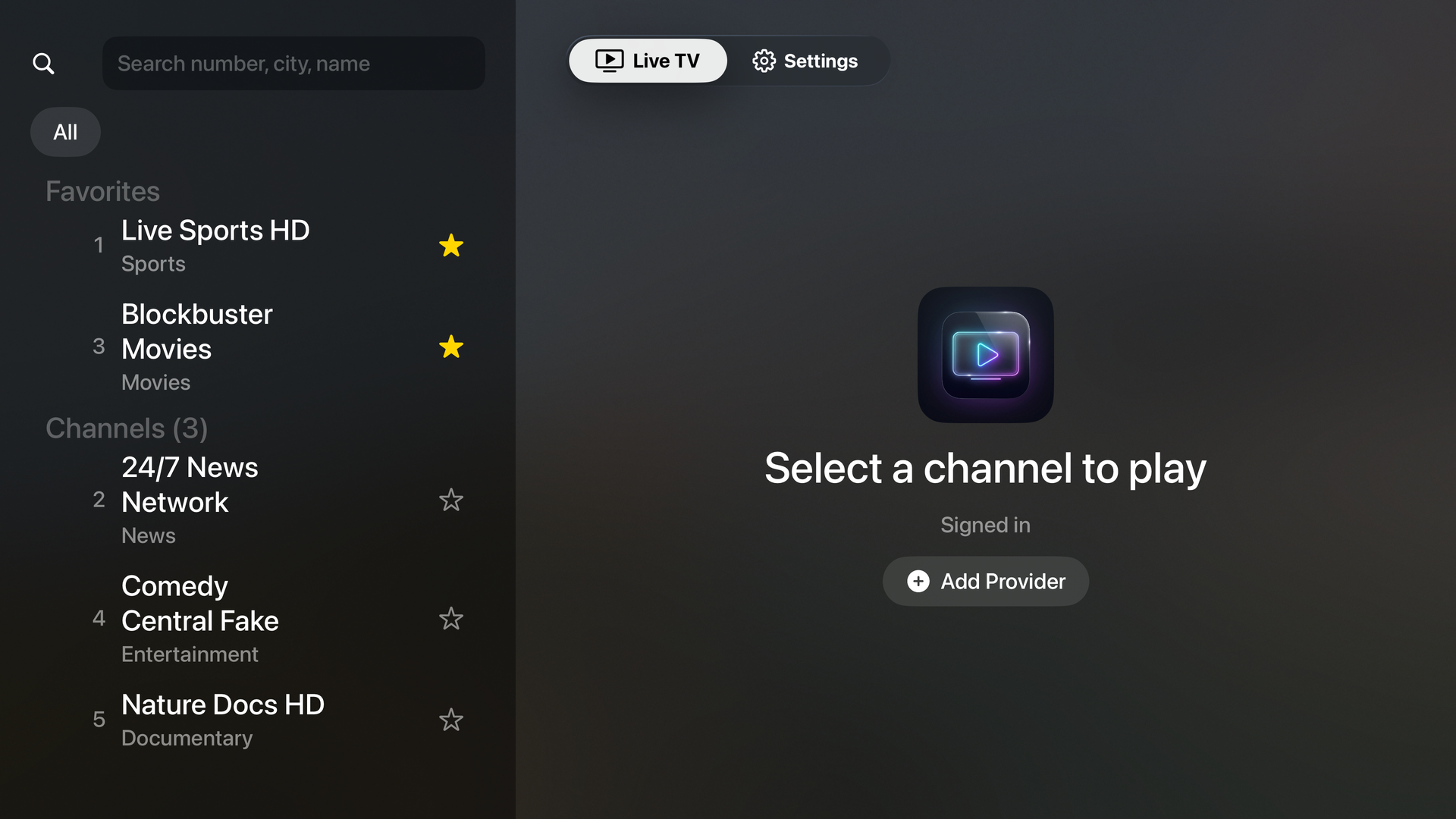
One player, your provider
Sign in with the server URL, username, and password supplied by your provider.
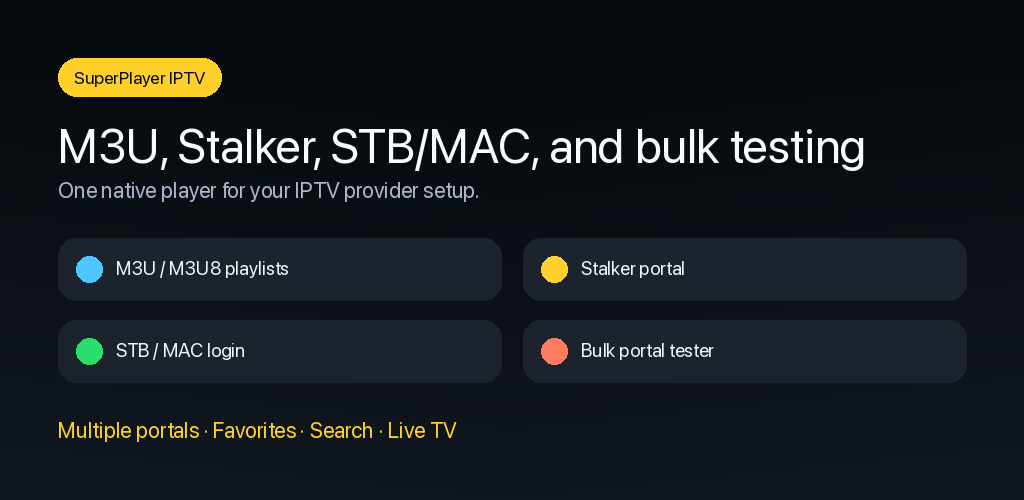
Xtream setup guideConnect a Stalker or Ministra portal using its URL and your authorized MAC address.
Stalker setup guideAdd the remote M3U playlist URL supplied by your service.
M3U setup guideMade for the living room
Browse groups, search channels, and move through your live guide with native focus behavior. Family Sharing lets eligible purchases be shared with your Apple family.
Get connected
Use the credentials your provider gave you. These guides explain each supported connection type and the most common errors.
A setup is not working?
Include the connection type, device, app version, exact error, and whether the same credentials work elsewhere. Never email your password.